Skybox Setup
VROcean includes two custom skybox shaders designed to complement the ocean rendering. This guide covers configuration of both the day and night skybox options.
Included Skybox Shaders
| Shader | Description |
|---|---|
Custom/S_CloudySky_Day | Daytime sky with procedural 3D clouds, sun glow, and stars |
Custom/S_StarNightSky_Night | Night sky with stars, moon, and 2D cloud layer |
Both shaders support VR single-pass stereo instanced rendering.
Creating a Skybox Material
- In the Project window, right-click and select
Create > Material - Name it appropriately (e.g.,
M_DaySkyorM_NightSky) - In the Inspector, change the Shader dropdown to
Custom/S_CloudySky_DayorCustom/S_StarNightSky_Night - Configure the properties as desired
- Assign the material to your biome profile's
Skybox Materialfield
Day Sky Configuration
The S_CloudySky_Day shader provides a full daytime sky with procedural elements.
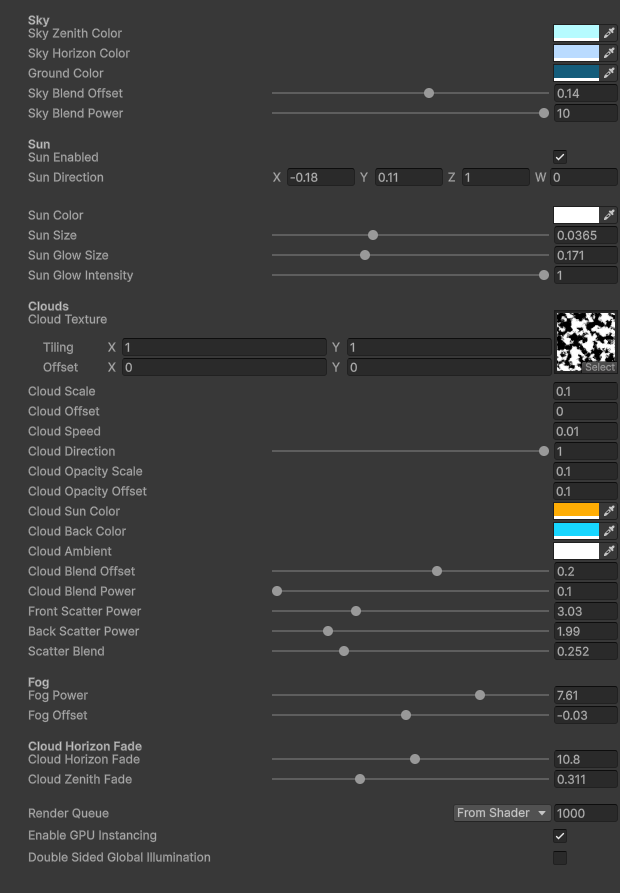 Day sky material with key properties highlighted
Sky Colors
Controls the gradient from horizon to zenith.
| Parameter | Description |
|---|---|
| Horizon Color | Color at the horizon line |
| Mid Horizon Color | Transitional color above horizon |
| Base Color | Primary sky color |
| High Color | Color at the zenith (straight up) |
| Ground Color | Color below the horizon |
The shader blends between these colors based on vertical angle.
Sky Gradient
| Parameter | Range | Description |
|---|---|---|
| Horizon Height | -1 to 1 | Vertical offset of the horizon line |
| Gradient Offset | -1 to 1 | Shifts the color gradient up or down |
| Gradient Scale | 0.1 - 5 | Compresses or expands the gradient |
| Vertical Scale | 0.1 - 3 | Stretches the sky dome vertically |
Stars
Stars are sampled from a cubemap texture for seamless coverage.
| Parameter | Description |
|---|---|
| Star Noise Cubemap | Cubemap texture containing star pattern |
| Star Density | Tiling multiplier for star pattern |
| Star Opacity | Overall star visibility (0 = invisible) |
| Star Threshold | Cutoff for which noise values become stars |
Stars are masked by vertical position, fading out near the horizon.
Sun
The sun is rendered procedurally based on the scene's directional light.
| Parameter | Range | Description |
|---|---|---|
| Sun Enabled | Toggle | Show or hide the sun disc |
| Sun Horizon Angle | -180 to 180 | Horizontal position in degrees |
| Sun Size | 0.01 - 0.2 | Angular size of the sun disc |
| Sun Color | Color | Tint of the sun |
| Sun Intensity | 0 - 3 | Brightness multiplier |
| Sun Glow Size | 0.01 - 0.5 | Size of the glow halo |
| Sun Glow Intensity | 0 - 2 | Brightness of the glow |
| Sun Height | -0.1 to 0.2 | Vertical position offset |
Moon
Optional moon rendering with texture support.
| Parameter | Description |
|---|---|
| Moon Enabled | Toggle moon visibility |
| Moon Texture | 2D texture for moon surface |
| Moon Direction | Normalized direction vector |
| Moon Size | Angular size |
| Moon Color | Tint color |
| Moon Intensity | Brightness multiplier |
Clouds
Clouds are generated from a 3D noise texture for volumetric appearance.
| Parameter | Description |
|---|---|
| Cloud Noise Texture | 3D texture for cloud generation |
| Cloud Tiling | UV scale for cloud pattern |
| Wind Speed | Animation speed of cloud movement |
| Cloud Light Color | Color of cloud highlights |
| Cloud Mid Color | Color of cloud midtones |
| Cloud Dark Color | Color of cloud shadows |
| Cloud Opacity | Overall cloud visibility |
| Cloud Height | Vertical position of cloud layer |
| Cloud Edge | Softness of cloud boundaries |
| Cloud Contrast | Sharpness of cloud definition |
Fog
| Parameter | Range | Description |
|---|---|---|
| Fog Height | 0.1 - 10 | Vertical falloff of fog |
| Fog Opacity | 0 - 1 | Maximum fog density at horizon |
The fog color is taken from Unity's RenderSettings.fogColor.
Night Sky Configuration
The S_StarNightSky_Night shader provides a nighttime atmosphere with stars and clouds.
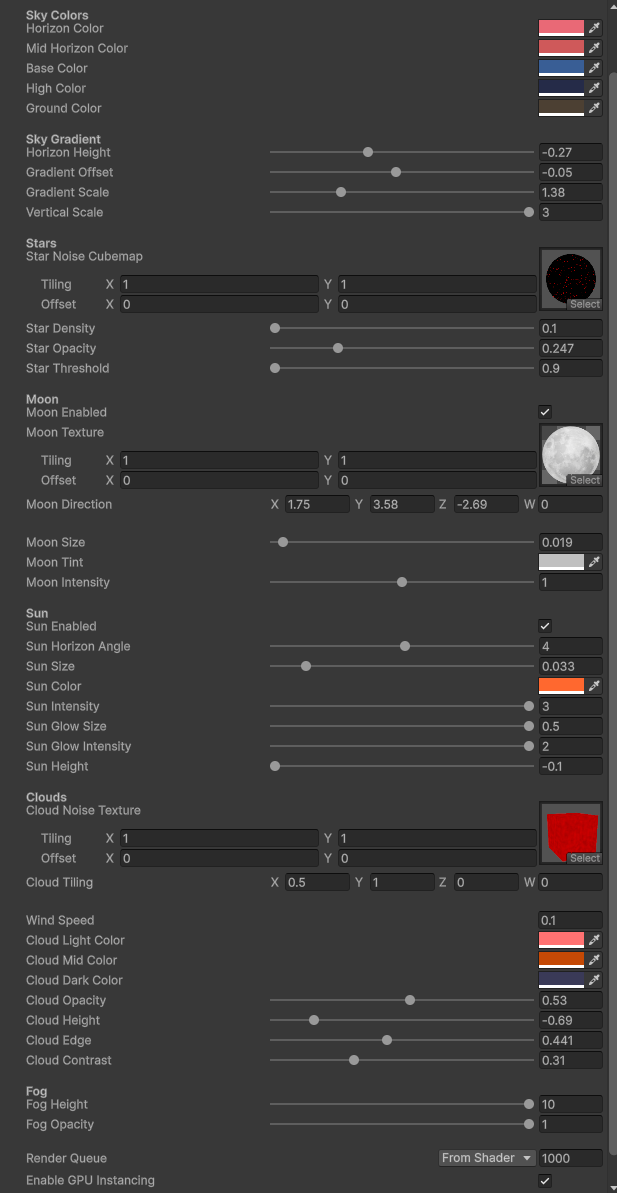 Night sky material properties
Sky Colors
| Parameter | Description |
|---|---|
| Sky Zenith Color | Color at the top of the sky |
| Sky Horizon Color | Color at the horizon |
| Ground Color | Color below the horizon |
| Sky Blend Offset | Shifts the horizon blend point |
| Sky Blend Power | Controls blend curve sharpness |
Sun
The night shader includes an optional sun for twilight scenes.
| Parameter | Description |
|---|---|
| Sun Enabled | Toggle sun visibility |
| Sun Direction | Direction vector for sun position |
| Sun Color | Sun tint |
| Sun Size | Angular size of disc |
| Sun Glow Size | Size of surrounding glow |
| Sun Glow Intensity | Glow brightness |
Clouds
Night clouds use a 2D texture projected onto the sky dome.
| Parameter | Description |
|---|---|
| Cloud Texture | 2D cloud texture (use alpha for opacity) |
| Cloud Scale | UV tiling scale |
| Cloud Offset | UV offset |
| Cloud Speed | Animation speed |
| Cloud Direction | Movement direction (0 - 1, maps to 360 degrees) |
| Cloud Opacity Scale | Multiplier for texture alpha |
| Cloud Opacity Offset | Additive offset for opacity |
| Cloud Sun Color | Color when lit by sun/moon |
| Cloud Back Color | Color on shadowed side |
| Cloud Ambient | Ambient light contribution |
| Cloud Blend Offset | Lighting blend adjustment |
| Cloud Blend Power | Lighting blend curve |
| Front Scatter Power | Forward scattering intensity |
| Back Scatter Power | Back scattering intensity |
| Scatter Blend | Balance between scatter modes |
Cloud Horizon Fade
| Parameter | Description |
|---|---|
| Cloud Horizon Fade | Rate at which clouds fade near horizon |
| Cloud Zenith Fade | Rate at which clouds fade near zenith |
Fog
| Parameter | Description |
|---|---|
| Fog Power | Falloff curve for horizon fog |
| Fog Offset | Vertical offset for fog start |
Matching Skybox to Ocean
For visual coherence, coordinate your skybox and ocean settings:
Color Harmony
| Time of Day | Sky Horizon | Ocean Shallow | Ocean Albedo |
|---|---|---|---|
| Sunrise | Warm orange | Warm teal | Desaturated blue |
| Midday | Light blue | Bright cyan | Saturated blue |
| Sunset | Pink/purple | Warm aqua | Deep blue-purple |
| Night | Dark blue | Dark teal | Very dark blue |
Sun Position
The biome profile's Solar Config > Rotation should match the skybox sun position:
// Example: Sun at 30 degrees elevation, 45 degrees from north
solarConfig.Rotation = new Vector3(30f, 45f, 0f);

// For the day skybox, set matching values
// Sun Horizon Angle: 45
// Sun Height: ~0.05 (corresponds to 30 degree elevation)
Fog Consistency
Ensure the fog color in Atmosphere Config complements the skybox horizon color:
// Fog should blend smoothly into the skybox horizon
atmosphereConfig.FogColor = skyboxHorizonColor;
Generating Cloud Textures
3D Noise Texture (Day Sky)
The day sky shader requires a 3D texture for volumetric clouds. You can generate one using the included tool:
- Open
Window > VROcean > Skybox Noise Generator - Configure resolution (64x64x64 is sufficient for most cases)
- Adjust noise parameters
- Click Generate and save the asset
2D Cloud Texture (Night Sky)
The night sky shader uses a standard 2D texture with alpha channel:
- RGB channels: Cloud color (usually white or light gray)
- Alpha channel: Cloud density
Tileable panoramic cloud textures work best.
Skybox Presets
Clear Day
Horizon Color: (0.75, 0.85, 1.0)
Base Color: (0.4, 0.6, 0.9)
High Color: (0.2, 0.35, 0.8)
Cloud Opacity: 0.3
Sun Intensity: 1.5
Fog Opacity: 0.2
Overcast Day
Horizon Color: (0.6, 0.62, 0.65)
Base Color: (0.5, 0.52, 0.55)
High Color: (0.45, 0.47, 0.5)
Cloud Opacity: 0.9
Cloud Contrast: 0.3
Sun Intensity: 0.5
Fog Opacity: 0.4
Sunset
Horizon Color: (1.0, 0.5, 0.2)
Mid Horizon Color: (0.9, 0.4, 0.3)
Base Color: (0.5, 0.3, 0.5)
High Color: (0.2, 0.15, 0.4)
Sun Horizon Angle: 270
Sun Height: -0.02
Sun Color: (1.0, 0.6, 0.2)
Sun Glow Intensity: 1.5
Cloud Sun Color: (1.0, 0.7, 0.4)
Clear Night
Sky Zenith Color: (0.02, 0.03, 0.08)
Sky Horizon Color: (0.05, 0.08, 0.15)
Star Opacity: 0.8
Star Threshold: 0.97
Moon Enabled: true
Moon Intensity: 1.0
Cloud Opacity Scale: 0.2
Stormy
Horizon Color: (0.25, 0.27, 0.3)
Base Color: (0.2, 0.22, 0.25)
High Color: (0.15, 0.16, 0.18)
Cloud Opacity: 1.0
Cloud Contrast: 0.7
Cloud Dark Color: (0.1, 0.1, 0.12)
Sun Enabled: false
Fog Opacity: 0.6
Fog Height: 3.0
Performance Considerations
Both skybox shaders are lightweight and suitable for VR:
| Feature | Performance Impact |
|---|---|
| Star rendering | Minimal (single texture sample) |
| Procedural sun | Minimal (math only) |
| 3D cloud sampling | Low-moderate (two texture samples) |
| 2D cloud sampling | Minimal (single texture sample) |
For maximum performance on Quest standalone:
- Reduce cloud texture resolution
- Lower
Cloud Opacityto skip cloud calculations on more pixels - Disable moon texture sampling if not needed
Troubleshooting
Skybox Not Visible
- Verify the material is assigned in the biome profile
- Check that
RenderSettings.skyboxis being set (SceneSystem handles this) - Ensure the camera's Clear Flags is set to "Skybox"
Clouds Look Flat
- For day sky: Ensure a 3D texture is assigned, not a 2D texture
- Increase
Cloud Contrastfor more definition - Adjust
Cloud Tilingfor better scale
Sun Position Wrong
- The skybox sun is separate from the directional light
- Manually align
Sun Horizon AngleandSun Heightto match your directional light rotation - Or disable the skybox sun and rely on the directional light for sun representation
Stars Visible During Day
- Reduce
Star Opacityto 0 for daytime profiles - Stars are always calculated but can be made invisible
Seam Visible at Horizon
- Adjust
Horizon Heightto hide the seam - Increase
Fog Opacityto blend the transition - Ensure
Ground Colormatches the horizon
Next Steps
- Biome Profiles - Assign skybox to profiles
- Visual Tuning - Match ocean colors to skybox
- Wave Settings - Configure wave behavior